A professionally installed 4-camera system in Toronto starts from about $1,800, and a 6-camera system from about $2,800. That price includes the cameras, the recorder and hard drive, all the cabling, the labour, and setting up the app on your phone.
Those are our starting prices at Blaze Alarms, and they’re a fair guide to what a proper hard-wired system costs across the GTA. Below is what goes into the price, what makes one job cost more than another, and what to watch for when you compare quotes.
What you get for the price
A professional quote should include everything you need for a working system on day one:
- The cameras, weatherproof and rated for Ontario winters.
- A recorder (NVR) with a hard drive, so your video is stored in your home, not in someone’s cloud.
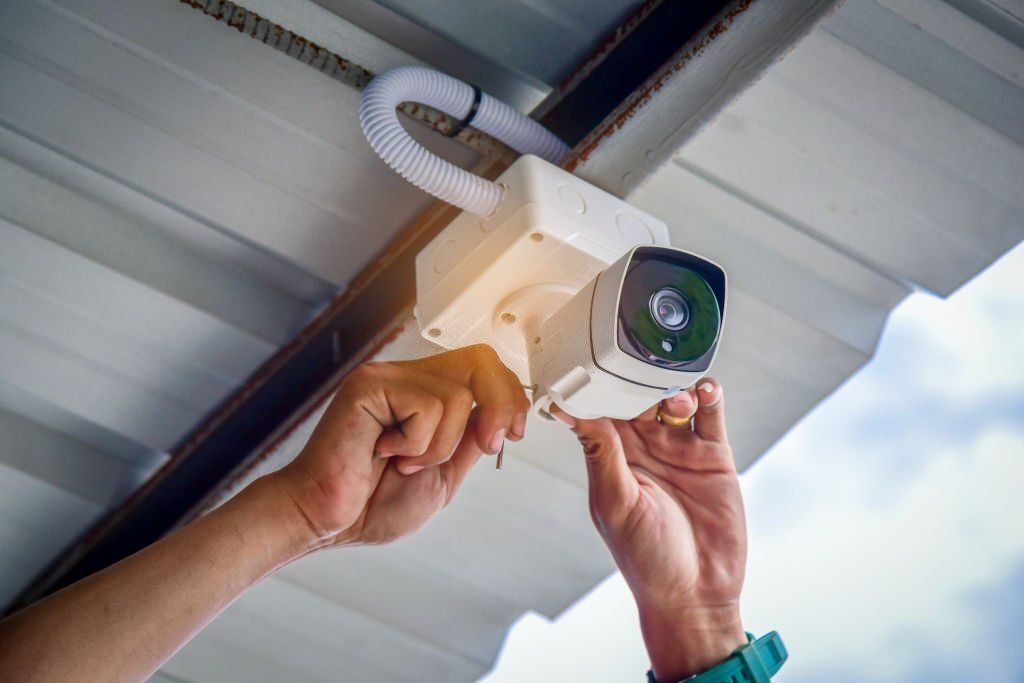
- All the cable, run and hidden as neatly as the house allows.
- Labour: planning the camera positions, mounting, wiring and testing.
- App setup on your phone, so you can watch live and play back recordings from anywhere.
- A warranty and support. Ours is a 2-year warranty with lifetime technical support.
If a quote leaves any of these out, ask why. A low price that doesn’t include the hard drive or cable concealment isn’t really a low price.
Typical prices in Toronto
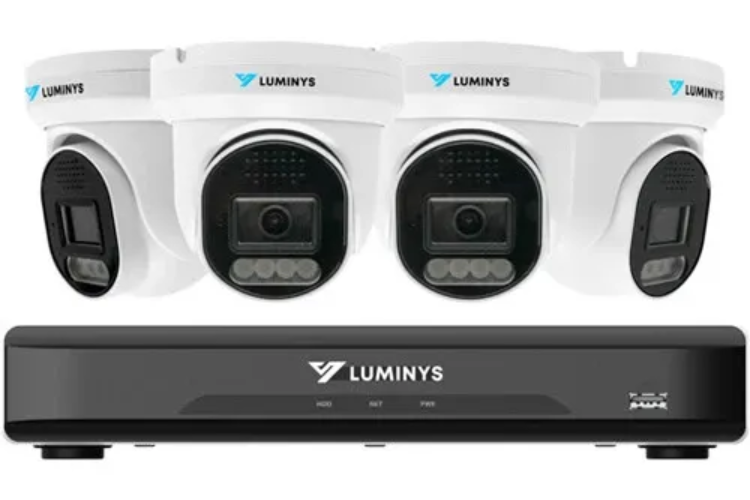
- 4 cameras, from $1,800 installed. Right for most townhouses, semis and smaller detached homes: front door, back door, driveway and backyard. See our 4-camera Starlight system.
- 6 cameras, from $2,800 installed. Our most popular size for detached homes, adding the sides of the house and the garage. See our 6-camera system.
- 8 or more cameras, 4K, or a business system: call for a price. These depend too much on the property to give a fair number without seeing it. See our 4K package.
What makes one installation cost more than another
Two houses on the same street can get different quotes. These are the things that move the price the most.
How far the cable has to go, and how hard it is to hide
This is the biggest one. A bungalow with an open attic is quick to wire. A two-storey house with a finished basement and no attic access takes much longer, because we have to find a hidden path for every cable instead of running it along the outside. Brick, stone and stucco also take more time to drill and seal than siding.
How many cameras, and which kind
Every camera adds a cable run, a mount and setup time. True 4K cameras cost more than 4MP or 5MP ones, and cameras with a built-in siren or light cost a bit more again. Not every spot needs the most expensive camera. A good installer puts the 4K camera where you need to read a licence plate, not everywhere.
Height and access
A camera under a first-floor soffit is a short ladder job. A camera on a third-floor peak, over a steep slope or above a glass roof needs more equipment and more time.
How much video you want to keep
Our standard systems come with a 2TB or 4TB drive. If you want to keep weeks of footage, or you’re adding a lot of cameras, a bigger drive adds to the price.
Where the recorder goes
The recorder needs power and a connection to your internet router. If the router is on the far side of the house from where the cables come together, we may need an extra cable run between them.
Want an exact price for your home? We’ll come out, plan every camera with you, and give you a clear written quote. Free, with no obligation.
Monthly fees: the cost that doesn’t show up on the quote
Many DIY and wireless cameras look cheaper at the store, but they keep your video in the cloud and charge a monthly subscription to see or save it. Over a few years, those fees can add up to more than the cameras cost.
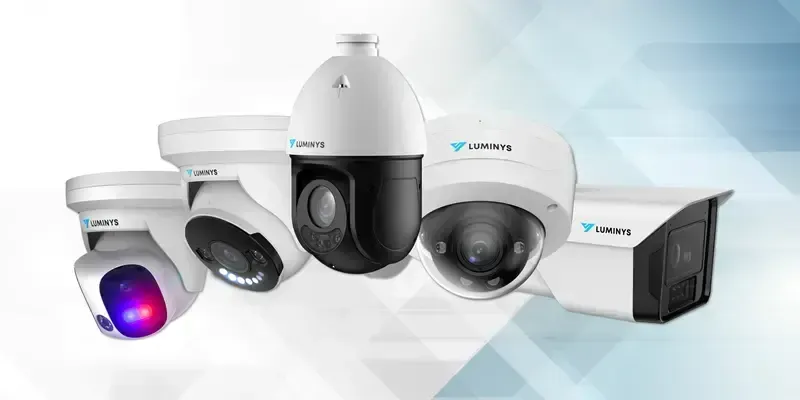
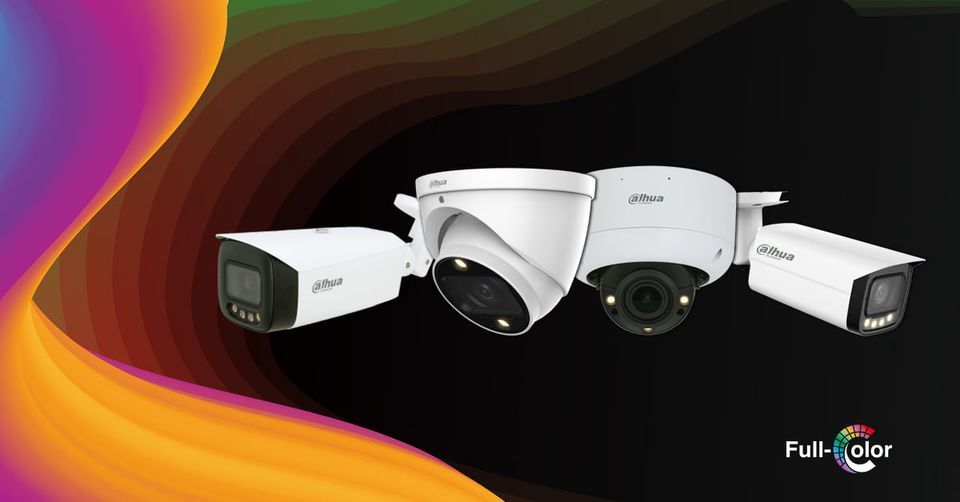
A hard-wired system with its own recorder doesn’t need a subscription. You pay once and own the system and every recording. Our systems use free viewing apps, Dahua DMSS or Luminys LumiViewer, so there are no monthly fees, ever.
How to compare quotes
- Is it hard-wired? Wireless cameras still need power, and they can drop off when your Wi-Fi does. Our article on wired vs. wireless cameras explains the difference.
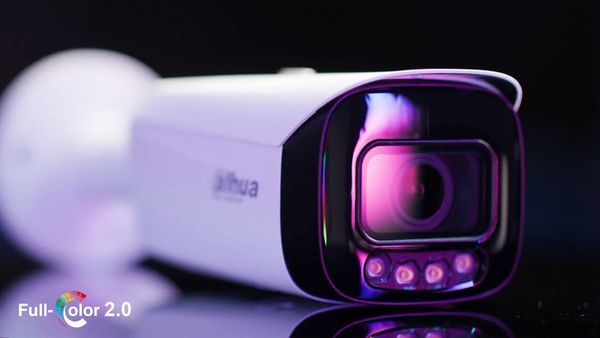
- What resolution, and what night vision? Ask what you’ll see at night. Starlight cameras record in colour under a porch light or streetlight, where ordinary cameras turn black and white.
- Is the hard drive included, and how big is it?
- Will the cable be hidden? Ask how and where it will run.
- Who installs it? The company’s own technicians, or a subcontractor?
- What happens after the install? Ask about the warranty, and who you call if the app stops working in a year.
How long does installation take?
Most 4-camera systems are installed in a single day, and many 6-camera systems are too. Larger systems and harder houses can take longer. We’ll tell you how long your job will take when we give you the quote.
Is a cheaper system worth it?
Sometimes. If you only want to watch your front door, a single doorbell camera may be enough. But if you want to see who walked down your driveway at 3 a.m., in colour, with enough detail for the police to use, you need proper cameras, placed well, with the cable done right. That’s where most of the money goes, and it’s what makes the footage useful when you need it.
Get a clear price for your home
Blaze Alarms has installed security cameras across Toronto and the GTA since 1990. Free on-site assessment, a written quote, and no monthly fees.