If your security camera looks fine during the day but turns blurry, foggy or white at night, the cause is almost always one of a few simple things. Most of them you can fix yourself in a few minutes.
At night, most cameras switch on small infrared (IR) lights around the lens. You can’t see that light, but the camera can, and anything close to the lens reflects it straight back. That is behind most night-time problems. Here are the seven we see most often, starting with the most common.
1. A spider web or bug on the camera
The IR lights give off a little warmth, and at night they attract insects, and spiders follow. One thread of web in front of the lens glows bright white in the IR light and can blur the whole picture. It often moves in the wind and sets off motion alerts all night.
Fix: wipe the camera and the area around it with a dry cloth or a soft brush on a pole. Check it again every couple of weeks in summer and early fall, when spiders are busiest.
2. Dirt, smudges or water on the lens
Dust, pollen, a fingerprint or a dried raindrop on the lens or dome cover is hard to notice in daylight. At night, the IR light makes it glow and the picture turns hazy.
Fix: clean the lens or dome gently with a microfibre cloth and a little water. Don’t use paper towels or glass cleaner on a plastic dome, because they can leave fine scratches that make the haze worse.
3. The camera is too close to a wall, soffit or eave
If a camera is mounted right under the eaves, or angled so part of the view is a nearby wall, gutter or downspout, the IR light bounces off that surface and floods the picture with white. You may see one bright patch and everything else dark.
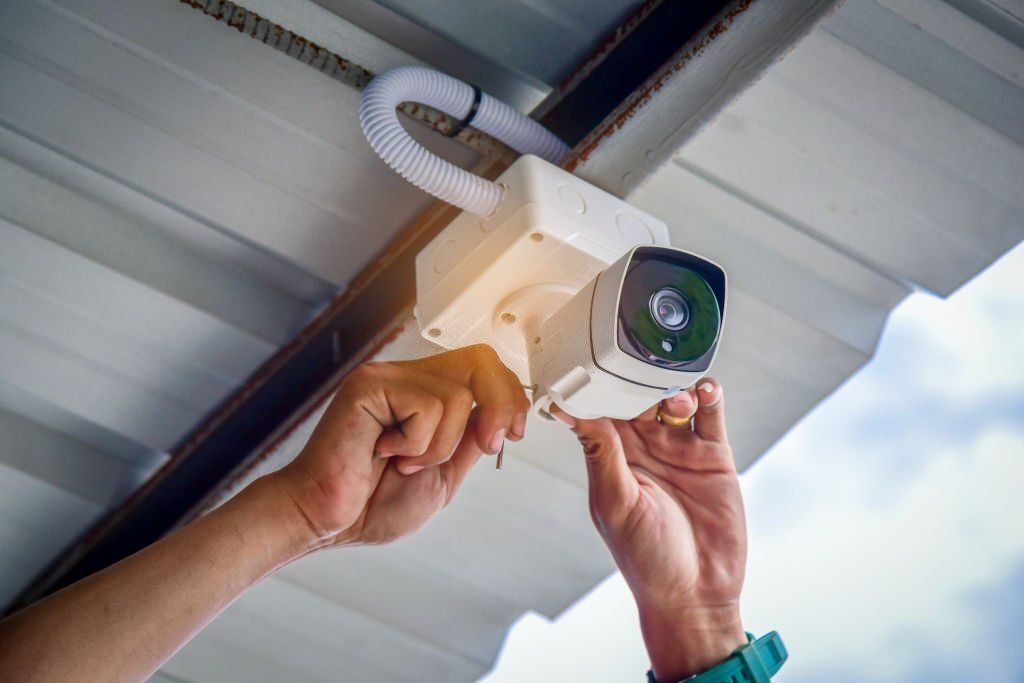
Fix: tilt the camera down slightly so it doesn’t see the soffit or wall. If it still glows, the camera may need to move a few inches out from the wall or onto a small mounting box.
4. The camera is looking through a window
A camera inside the house pointed out through a window will show its own IR light reflected in the glass at night. All you’ll see is a white glare, or a reflection of the room.
Fix: turn the camera’s IR lights off in its settings and rely on outside light, such as a porch light. Better still, move the camera outside. Outdoor cameras are built for the weather.
Camera still blurry after cleaning? We service and repair existing camera systems across the GTA. Tell us what you’re seeing.
5. Condensation inside the camera
If the haze is inside the dome or behind the lens glass, and it comes and goes with the weather, moisture has got into the housing. This is common in cheaper cameras after a few Ontario winters, or when a seal wasn’t closed properly.
Fix: this one isn’t a cleaning job. The camera needs to be resealed or replaced. Our cameras are IP67 rated, which means they’re sealed against dust and heavy rain.
6. Faces turn into white blobs up close
When a person walks right up to the camera at night, the IR light can be so strong on their face that it turns pure white, while the background looks normal. That defeats the point of a door camera.
Fix: look for a setting called Smart IR and make sure it’s on. It dims the IR light when something is close, so faces stay readable. Most professional cameras have it, including all of ours.
7. Movement is smeared at night
If still objects look sharp at night but a person walking through is a blur, the camera is keeping its shutter open longer to gather more light. That’s normal in very dark spots.
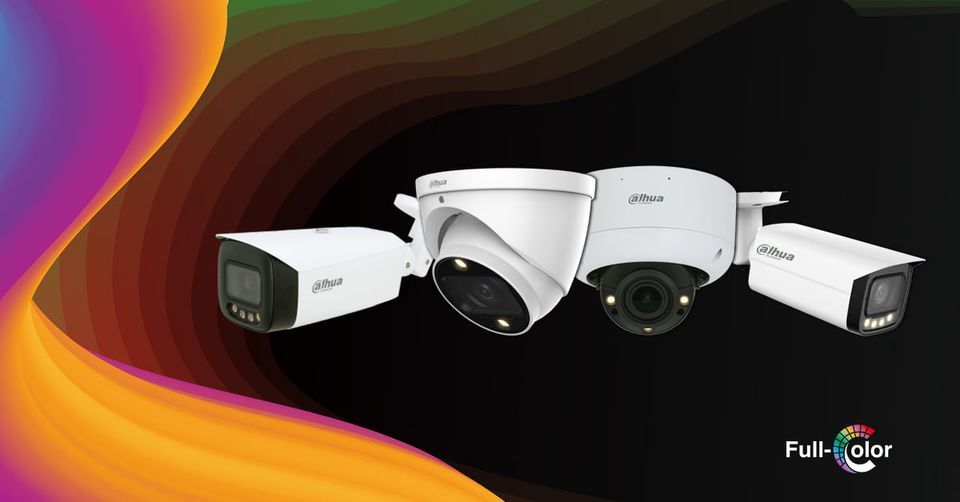
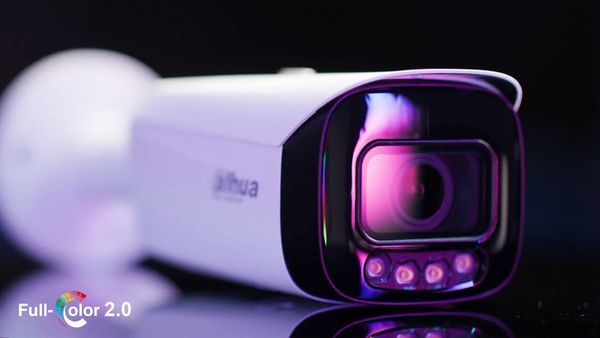
Fix: add light. A porch light or a motion light gives the camera enough to work with. Or use a Starlight or full-colour camera, which needs much less light to record clearly. Our page on Starlight and full-colour night vision explains the difference. Some cameras also have a built-in light that turns on when a person comes close.
When to call a professional
- The picture goes completely black at night. The IR lights may have failed.
- There’s moisture or fog inside the camera.
- The camera keeps going offline, or the picture freezes.
- You’ve cleaned and adjusted it, and it’s still not clear.
Sometimes the best fix is a better camera in a better spot. Older analog cameras from 10 or 15 years ago can’t match what today’s Starlight cameras see at night, and an upgrade is often less work than people expect.
Clear video, day and night
Blaze Alarms has installed and serviced security cameras across Toronto and the GTA since 1990. We can fix the system you have, or show you what an upgrade would look like.