A lot of people in Toronto and the surrounding cities say they don't feel as relaxed at home as they used to. Stolen cars, missing packages and break-in stories from the neighbourhood group chat all add up. A camera system won't make the worry disappear, but it changes two things: you can check on your property any time, and people looking for an easy target are more likely to skip your house.
Why cameras are usually the first step
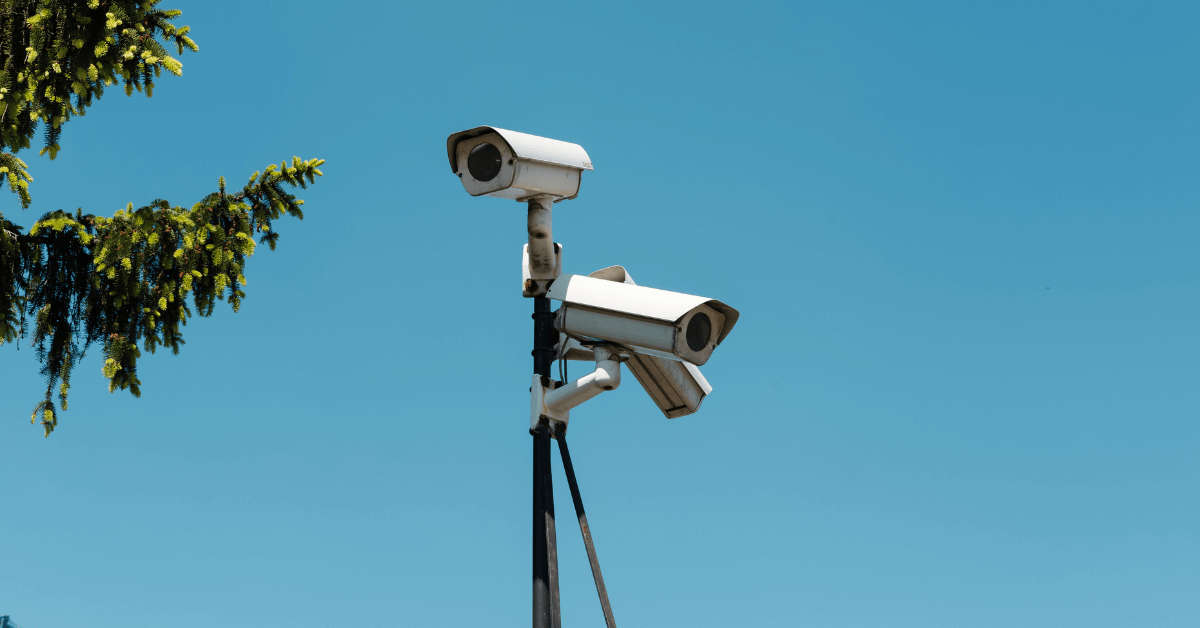
- Visible cameras discourage people. Someone checking cars or doors usually moves on when they see they're being recorded.
- You can check from anywhere. Open the app on your phone and see your driveway, door or yard live.
- You have a record. If something happens, you have clear video to give to police and your insurance company.
- Peace of mind while away. At work, on vacation or visiting family, you can look in whenever you want.
Where to put cameras on a typical GTA home
Most houses are well covered with four cameras in the right places:
- Driveway: covers your cars and anyone walking up from the street.
- Front door: faces and deliveries, the spot where packages go missing.
- Back yard: the quiet side where people try doors and windows out of sight.
- Side or garage: side gates, garage doors and walkways between houses.
Larger homes and corner lots may need more. See how many security cameras you need for a closer look.
Want to know which spots matter most on your property? We’ll walk your home with you and plan every camera position. Free, with no obligation.
Features worth asking for
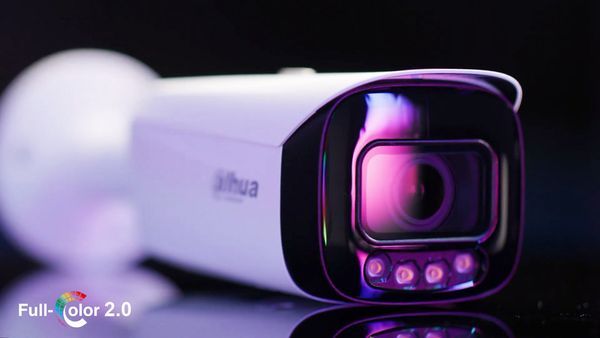
- Clear video day and night. Some cameras have a built-in light that lets them record in total darkness, so night footage isn't just grey shapes.
- Two-way audio. Speak through the camera to tell someone to leave, or tell the courier where to put the box.
- Built-in siren (on some models). A loud sound the moment someone is somewhere they shouldn't be.
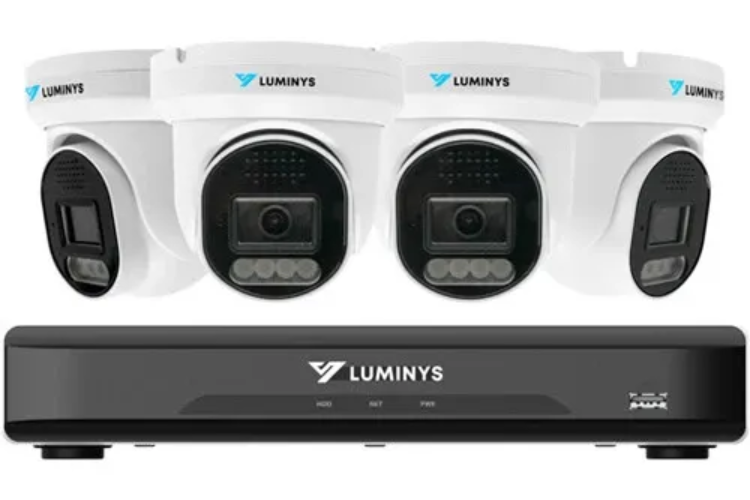
- A proper recorder. Video is saved on a recorder (NVR) in your home, not only in the cloud.
- Wired connection. The recorder usually plugs straight into your modem with a cable, so you don't need Wi-Fi or a Wi-Fi password, and the system stays stable.
What cameras can't do on their own
Cameras record and warn, but nobody is sent to your door unless you call. That's why many homeowners pair their cameras with a monitored alarm system, so there's a response even when they're asleep or not looking at their phone.
How our installation works
- Plan: we decide with you where each camera goes and what it should see.
- Run the cables: neat, and hidden wherever possible.
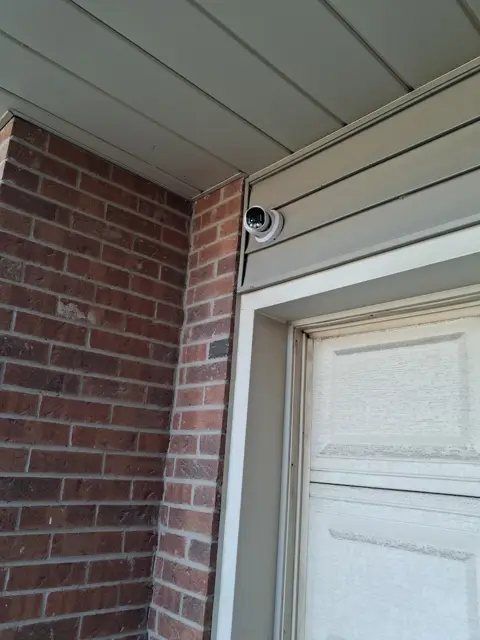
- Mount the cameras: angled for the best view of faces and plates.
- Set up and fine-tune: we connect the recorder, adjust each camera and set up the app on your phone before we leave.
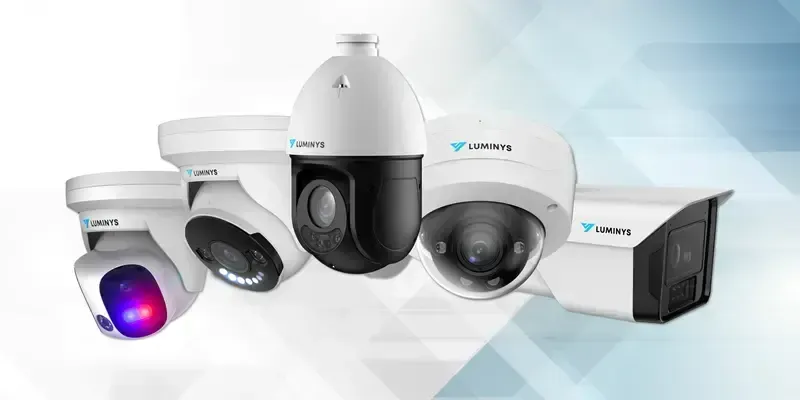
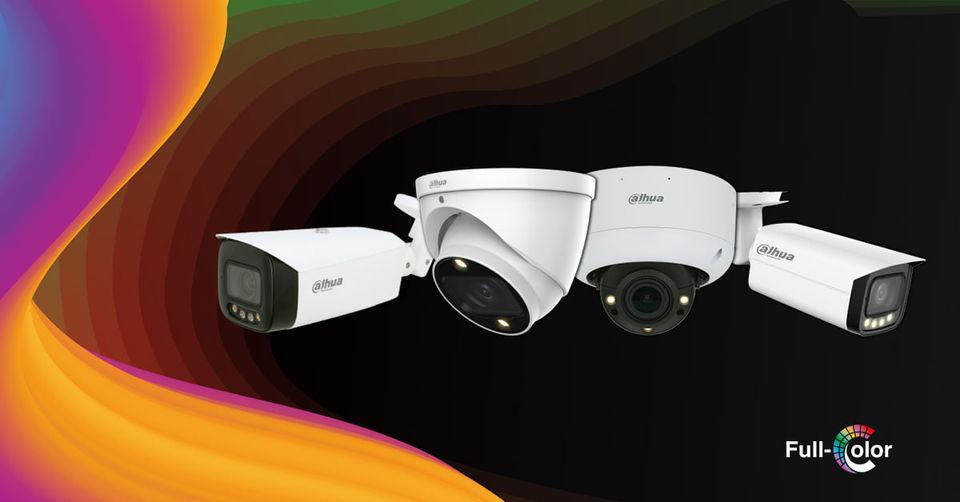
We install Luminys and Dahua camera systems, and every camera system comes with a 2-year warranty.
Questions people ask us
How many cameras do I really need?
For most houses and townhomes, four cameras cover the driveway, front door, back yard and one side. We'll tell you honestly if you need more or fewer.
Can I watch the cameras on my phone and computer?
Yes. You get an app for your phone, and you can also view the cameras on your computer, live or recorded.
Do the cameras work if my internet goes down?
Yes, they keep recording to the recorder in your home. You just can't watch remotely until the internet is back.
Can you install cameras I bought myself?
We usually install only the systems we supply. That way we can stand behind the equipment and the warranty.
Want to feel safer at home?
Blaze Alarms has planned and installed security cameras for homes and businesses across Toronto and the GTA since 1990. Free on-site assessment, a written quote, and no monthly fees.