Most homes in Richmond Hill and across York Region get a complete, hard-wired security camera system installed in one day. Here is exactly what happens on installation day, with photos from a home we finished in Richmond Hill last week.
Before we start: a quick walk around the property
We start by walking around the house with the homeowner. Together we decide where each camera goes and what it needs to see: the front door, the driveway, the garage, the side of the house and the back yard. We check each angle so the camera sees faces, not just the tops of heads, and so it covers your property, not your neighbour’s windows.
That matters in Richmond Hill, where many homes are townhouses and semis built close together. A camera pointed a few degrees the wrong way ends up looking at the house next door. If you’re not sure what’s allowed, read is it legal to install CCTV outside my house.
If your townhouse is part of a condo corporation, check with the board before installation day. Many have rules about what can be mounted on outside walls.
Step 1: Running and hiding the cable
Once the plan is set, we run the cables first. This is the part that takes the most time, and the part that makes a wired system worth it. Each camera gets its own network cable that carries both power and video. There are no batteries to charge and no Wi-Fi to drop out when you need it most.
We run the cables through the attic, the basement, the garage or the soffits wherever we can, so you don’t see wires running across your walls. Where a cable has to run on the outside, it’s tucked into corners, sealed in place or run in conduit along the downspout, so it’s hard to spot from the ground.
The cable drops down the inside corner and is sealed in place, so it’s protected from the weather and hard to see.
Where the cable had to run outside, it went into conduit along the downspout.
Step 2: Mounting the cameras
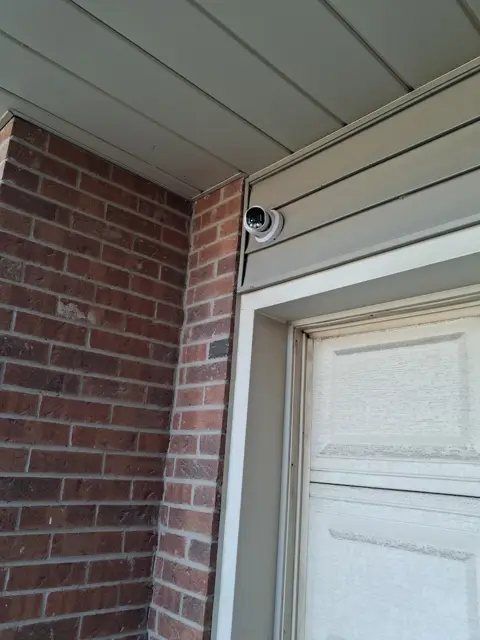
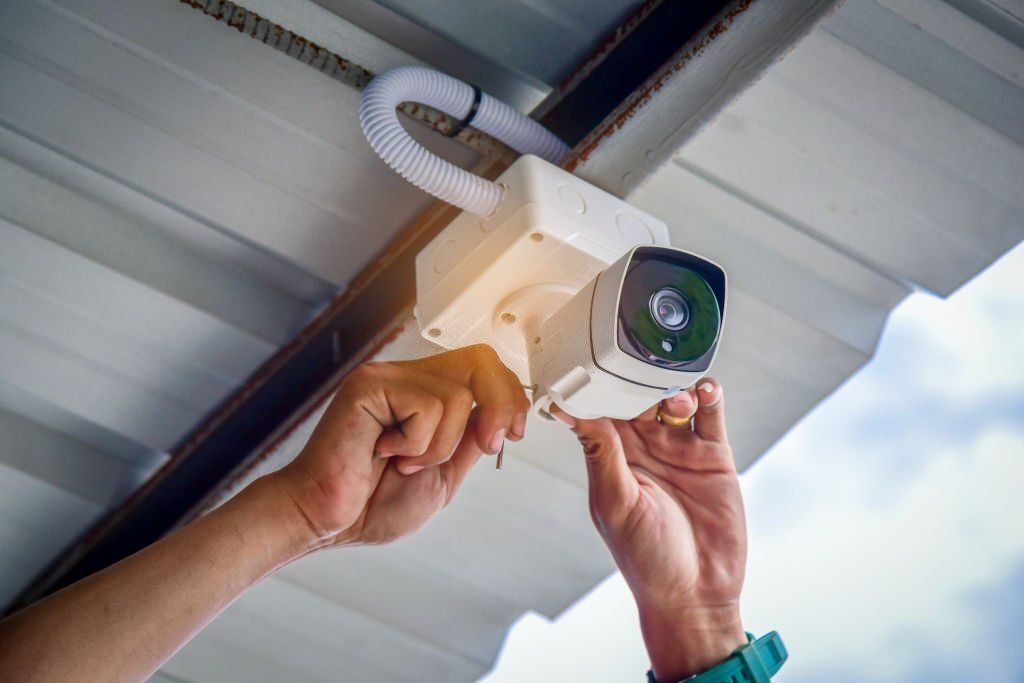
With the cables in place, each camera is mounted where we planned it: high enough to stay out of reach but low enough to see faces clearly. On this home that meant tucking cameras under the soffits and into the corners where the roof meets the brick. On brick and stone we use proper anchors, and every hole through an outside wall is sealed against water and weather.
Tucked where the roof meets the brick: high, out of reach, and protected from rain by the eaves.
Want to know what a hard-wired system would look like on your home? We’ll walk your property with you and give you a written quote.
Step 3: Setting up the recorder
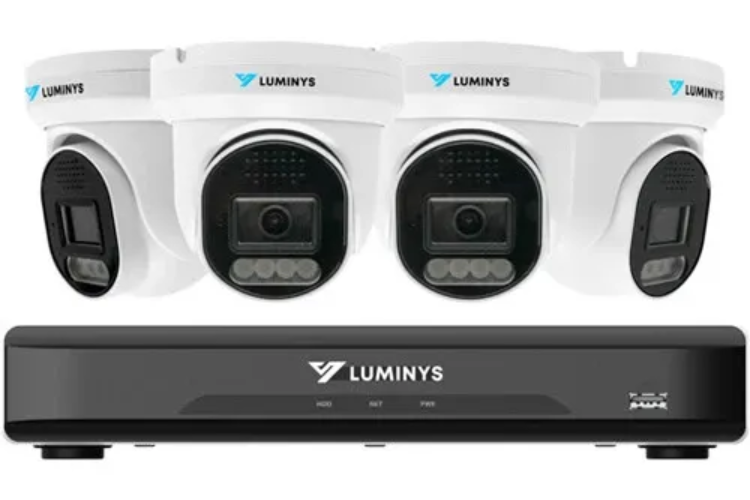
All the cables end at the recorder (NVR), a small box with a hard drive that records your cameras around the clock. Most people put it in the basement, a closet or a utility room, close to the internet modem. The recorder connects straight to the modem with a cable, not over Wi-Fi. Your video stays in your home, on your hard drive. There’s no cloud subscription and no monthly fee.
Step 4: Fine-tuning every camera
Once everything is connected, we go back to each camera and fine-tune it: the angle, the zoom and the motion settings. We set motion detection so you get alerts for people and cars, not for every tree branch moving in the wind. We also check the night picture, so you know what each camera sees after dark.
Every camera is aimed and focused before we leave.
Step 5: Setting it up on your phone
Before we leave, we install the app on your phone, connect it to your system and show you how to use it: watching live, playing back a recording, saving a clip and turning alerts on or off. If anyone else in the house wants access, we set them up too. More about our viewing apps.
How long does it take?
- 4 cameras: usually about 5 hours, done in one visit. See a real 4-camera install in Brampton.
- 6 to 8 cameras: usually one full day.
- Larger homes and businesses: we’ll tell you how long it takes when we give you the quote.
The biggest factor is how hard it is to run cable through your home. A bungalow with an open basement is quick; a finished three-storey townhouse takes longer.
What you need to do
- Make sure someone is home for the walk-around at the start and the phone setup at the end.
- Clear a path to the attic hatch, the basement ceiling and the spot where the recorder will go.
- Let us know where your internet modem is. The recorder plugs straight into it with a cable, so no Wi-Fi password is needed.
Thinking about cameras for your home in York Region?
We install hard-wired camera systems in Richmond Hill and across York Region, and have been securing homes in the GTA since 1990. See our camera packages, or start with the 4-camera Starlight system, the right size for most townhouses, semis and smaller detached homes.
Get a free quote for your home
Free on-site assessment, a written quote, and professional installation with no monthly fees.