The best CCTV system is the one that clearly records the spots that matter on your property, day and night, without monthly fees or Wi-Fi problems. Here are the six decisions that get you there.
1. Decide what you need to see
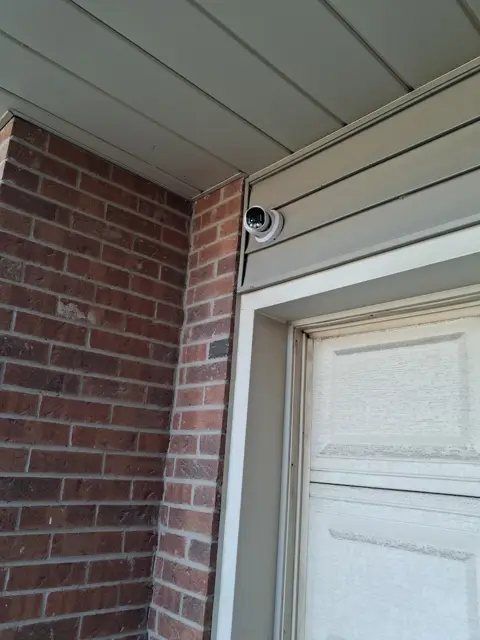
Walk around your property and list every way in: the front door, back door, side gate, garage, driveway and any basement windows. For a business, add the cash area, stock room, loading door and parking lot.
Then ask what you need from each camera. Do you need to see that someone was there, or identify who it was? Identifying faces and licence plates needs more resolution and a closer camera.
2. Choose how many cameras
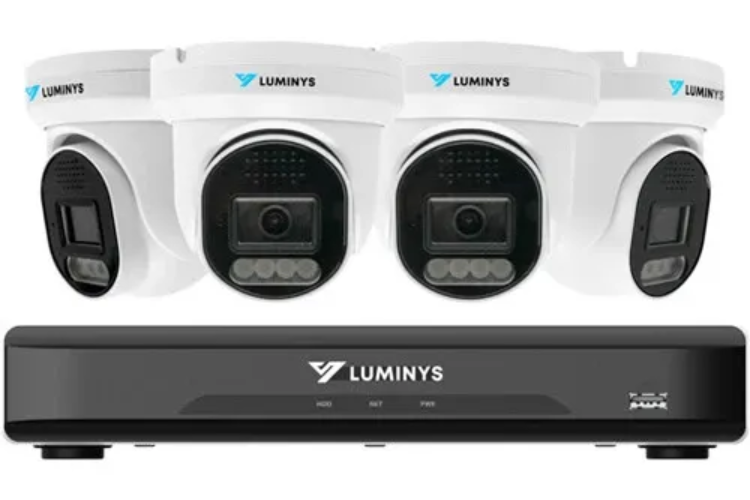
- 4 cameras cover the essentials for most townhomes, semis and smaller homes: front door, back door, driveway and backyard.
- 6 cameras suit most detached homes, adding both sides of the house and the garage.
- 8 or more suit large homes, corner lots, estates and most businesses.
Pick a recorder with a few spare channels. An 8-channel recorder with 6 cameras lets you add 2 more later without replacing anything.
3. Choose the resolution
- 4MP to 5MP gives clear, detailed video for most homes.
- 8MP (true 4K) gives the detail to read licence plates and recognize faces at a distance. It’s worth it for long driveways, large properties and businesses.
Be careful with ads that call every camera "4K." True 4K is 8MP. A 5MP camera on a 4K-capable recorder is still a 5MP camera.
Planning cameras for your property? We’ll walk it with you and recommend the right setup, free and with no obligation.
4. Choose wired over wireless
For a permanent system, hard-wired PoE (Power over Ethernet) cameras are the better choice. One cable brings each camera its power and video, so there are no batteries to change and no Wi-Fi to drop out in a Toronto winter. Read our full comparison: Wired vs. Wireless Security Cameras.
5. Choose the right night vision
There are three kinds, and the right one depends on the spot:
- Infrared (IR) sees in total darkness, in black and white.
- Starlight records in colour in low light, like a porch light or streetlight, and switches to black and white when it’s completely dark.
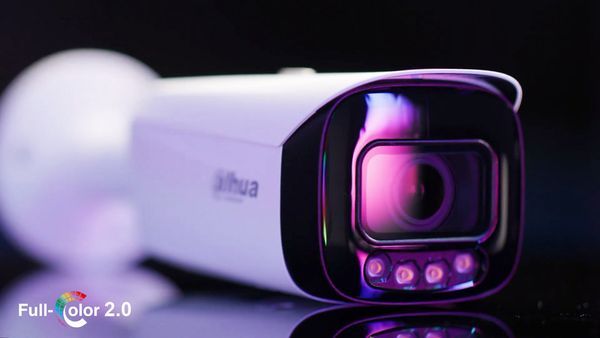
- Cameras with a built-in light turn the light on when a person walks up, giving full colour even in total darkness. The light also tells intruders they’ve been seen.
6. Make sure there are no monthly fees
A professional system records to a recorder (NVR) inside your property. You own the footage, and you watch it free on your phone with an app like Dahua DMSS or Luminys LumiViewer. Many store-bought cameras charge $10 to $30 a month just to see your own recordings.
Extra features worth asking about
- Two-way audio: talk to a visitor or warn off an intruder through the camera.
- Built-in siren: sounds when someone crosses a line you set.
- AI detection: alerts you for people and vehicles, not trees, rain or animals.
Which system fits you?
- Townhomes and smaller homes: 4 Security Starlight Cameras
- Detached homes: 6 Security Starlight Cameras
- Maximum detail and large properties: 4K Security Camera Package
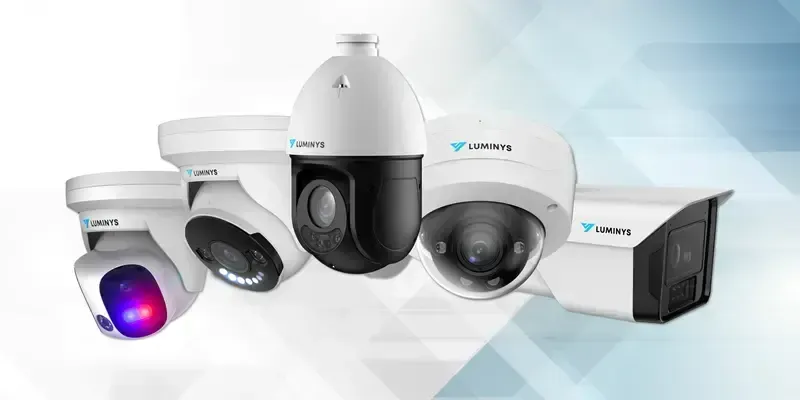
- Side by side: all camera packages
Get it done right, the first time
Blaze Alarms has installed security cameras across Toronto and the GTA since 1990. Free on-site assessment, clear written quote, no monthly fees.